






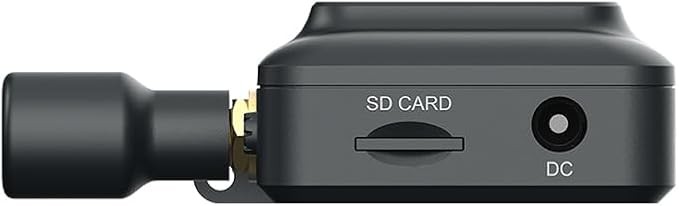
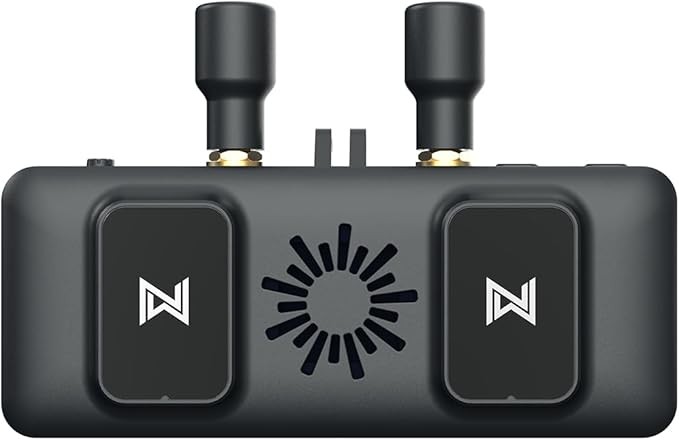
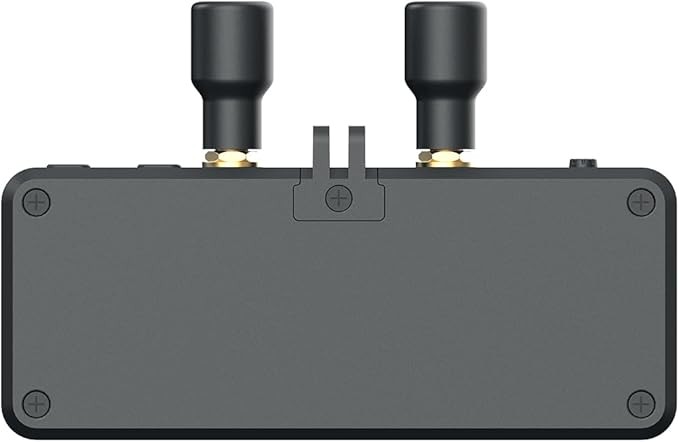
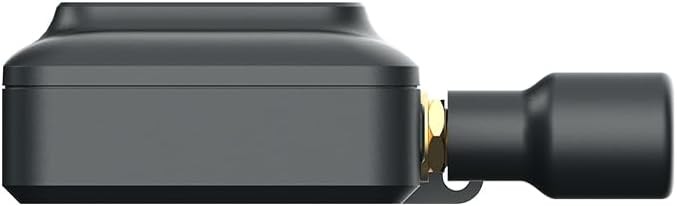
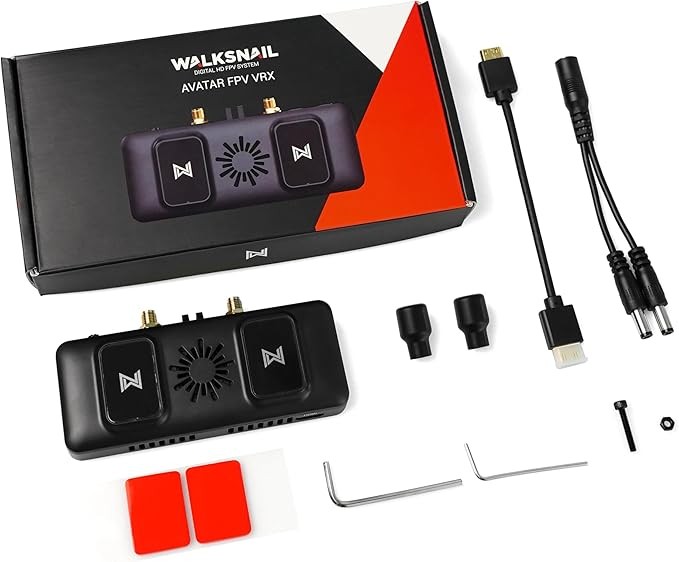
CADDXFPV Walksnail Avatar FPV VRX Receiver – 1080P 60FPS HD Video, HDMI Output, Supports 256G SD, Lightweight 83g, Compatible with Walksnail Avatar HD System, Ideal for FPV Drones & RC Cars
(0
reviews)
Inhouse product
| Min QTY | Max QTY | Unit price |
|---|
Refund

Share







A global large-scale integrated e-commerce wholesale website
Subscribe to our newsletter for regular updates about Offers, Coupons & more
Follow Us
Mobile Apps